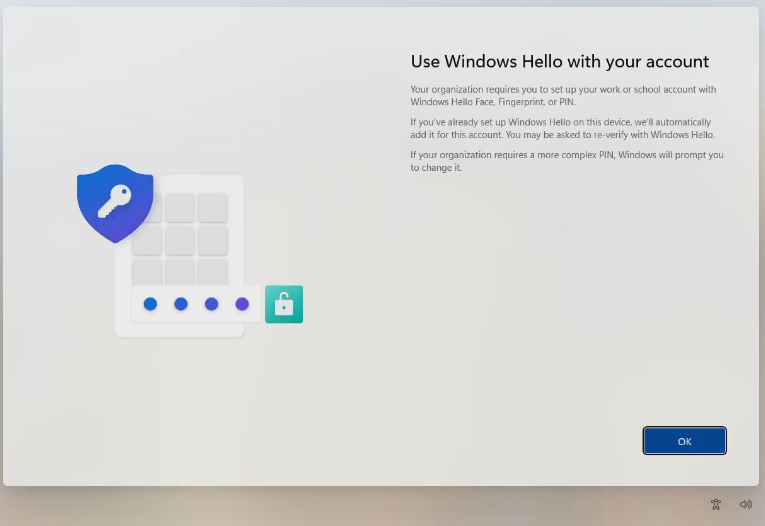
Initial Windows Setup
The initial setup will take roughly one to two hours depending on internet connection. Some of these screens may not appear if you are connected using a wired connection through your docking station. If you've setup your laptop using the docking station and a wired connection you can skip to step five.
-
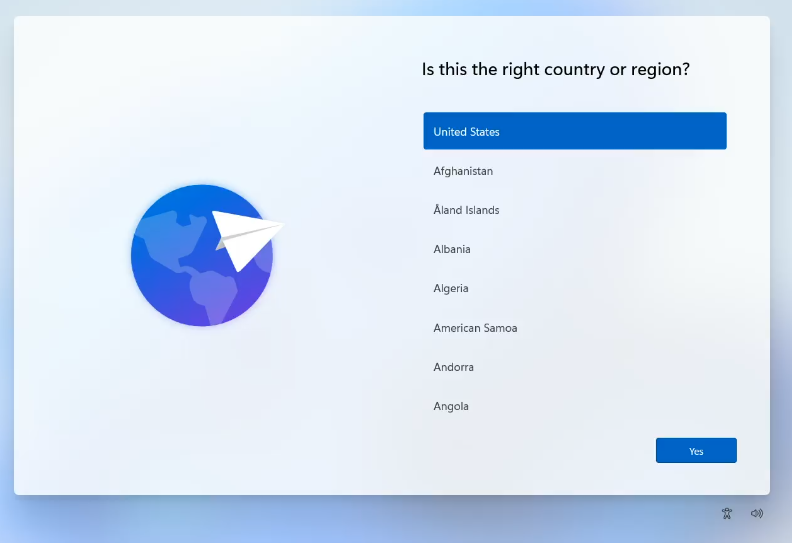
Select the "United States" region.
-
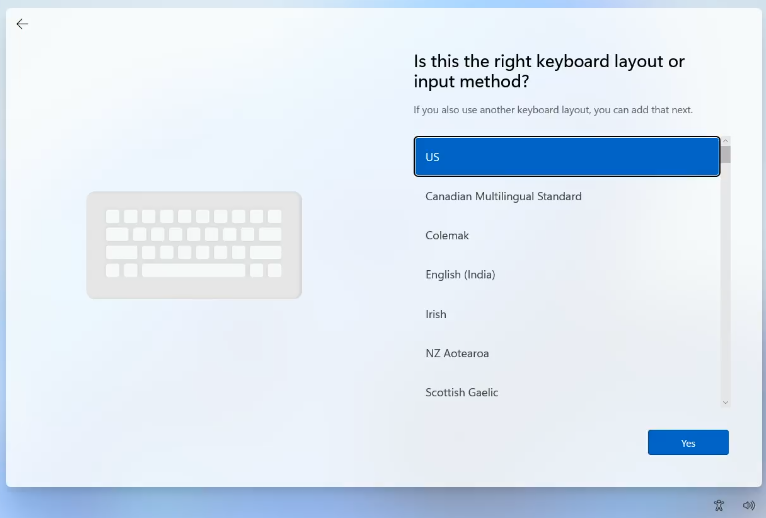
Select the "US" keyboard
-
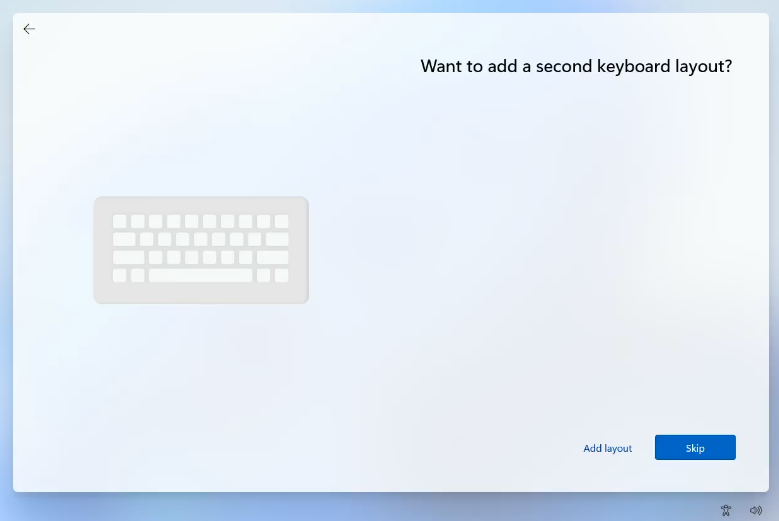
Skip adding a secondary keyboard
-
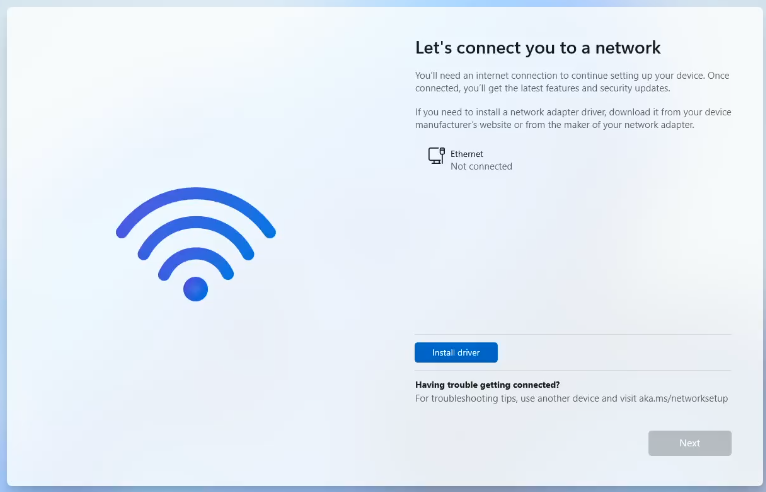
Connect to your wired or wireless network
-
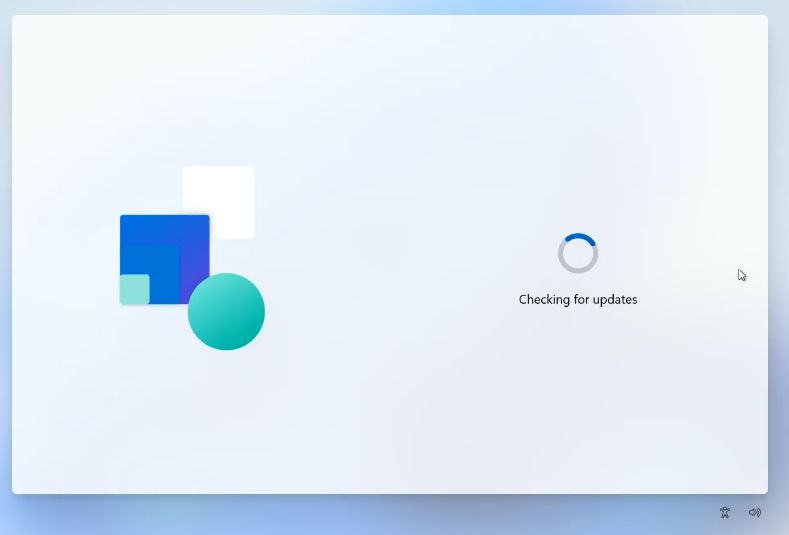
The computer will download some updates and check for policies. This may take some time.
-
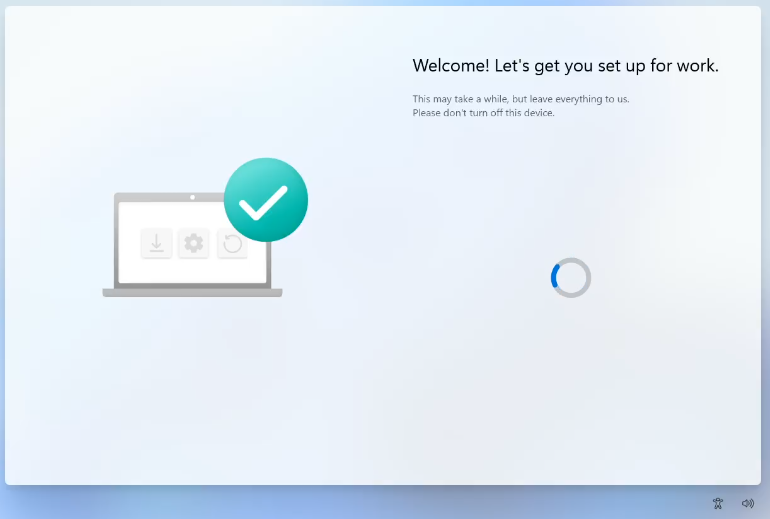
It may restart and then it will begin seting up the computer
-
It will be on this screen for most of the setup time. This will take some time.
-
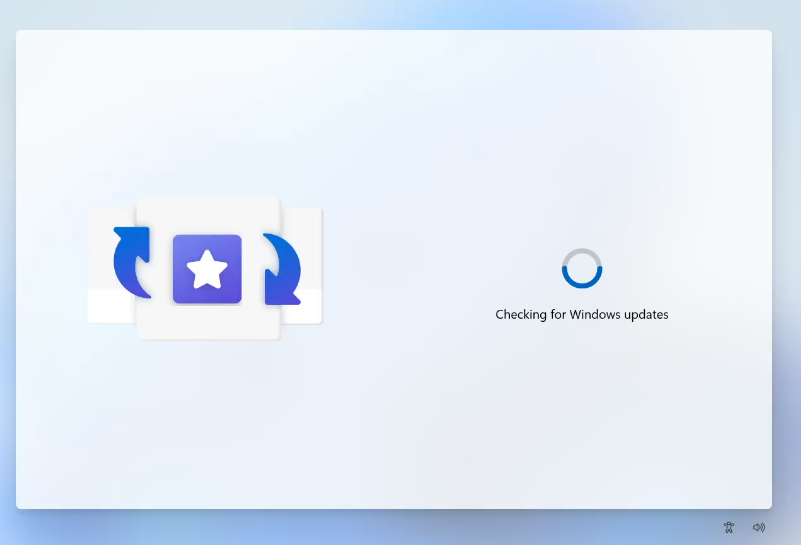
Before logging in more updates will be downloaded.
-
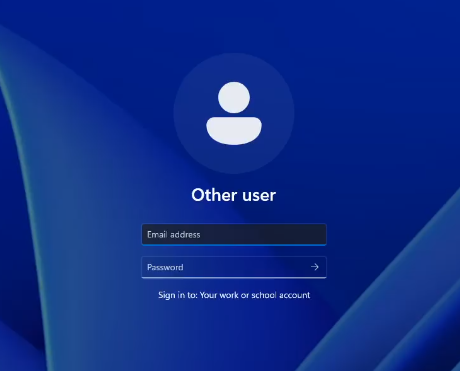
Login with your work email and password. It will require MFA.
-
You will then setup your PIN to login to the computer. It needs to be at least 8 characters.